CV Photo: How to Add a Photo to Your CV (Size, Placement, Upload)
October 23, 2026
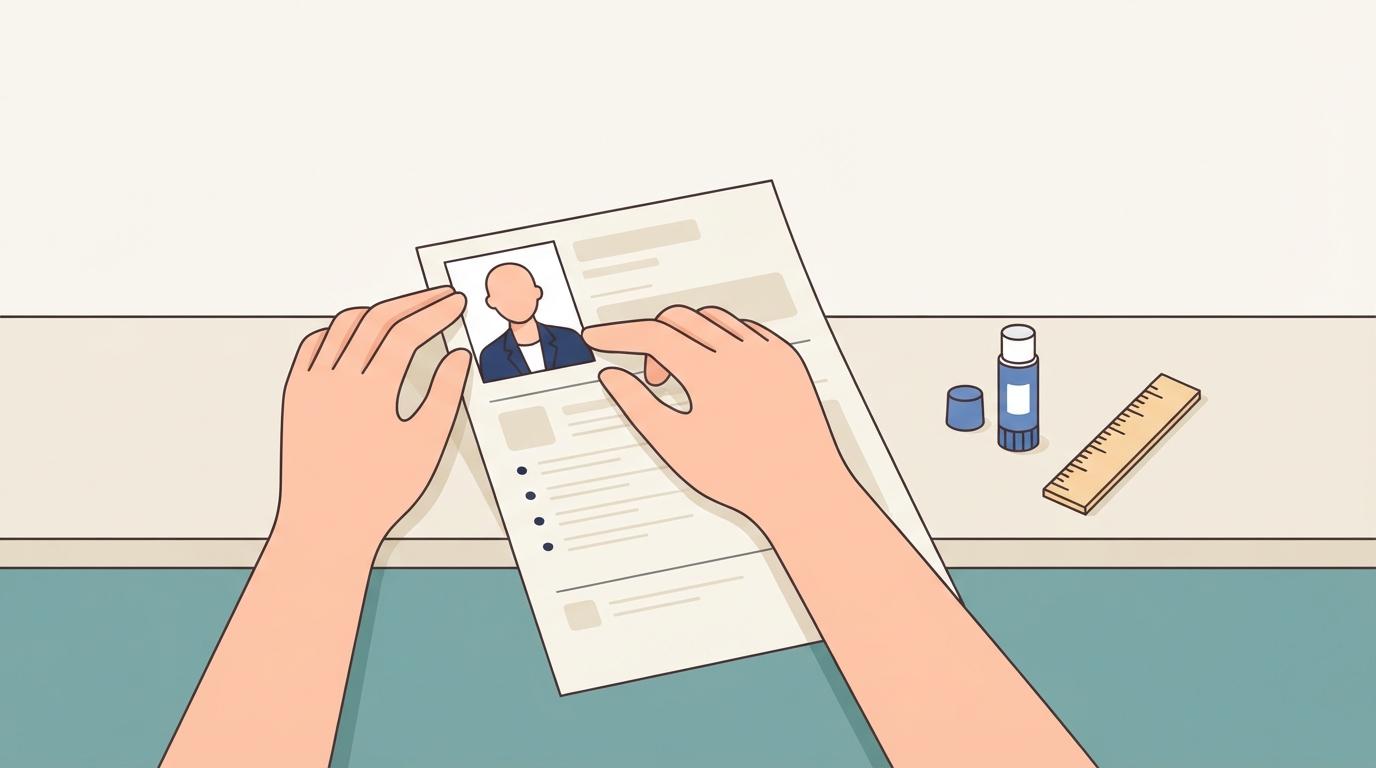
You've picked your best shot and now you're staring at a blank CV template with photo space in the corner. How big should it be? Where does it go?
If you're applying somewhere a photo is expected, a few small details make the difference between a CV that looks put together and one that looks rushed. Here's how to handle the photo, step by step.
First, check whether a photo CV is expected
A photo in your CV is the norm in many European and Asian job markets, and a photo CV there is read as a normal part of the application. In other places, such as the US and UK, employers generally prefer applications without one, partly to keep hiring decisions about skills rather than appearance.
So before adding a photo, look at where you're applying. If the job posting or the company's own career page shows a photo field, include one. If it doesn't mention a photo and you're applying in a market where CVs usually skip them, leave it out. A CV with no photo is better than a photo that wasn't asked for.
Some roles also have their own rules. Acting and modelling CVs, for example, follow their own conventions and usually need photos from a professional shoot.
What a good CV photo looks like
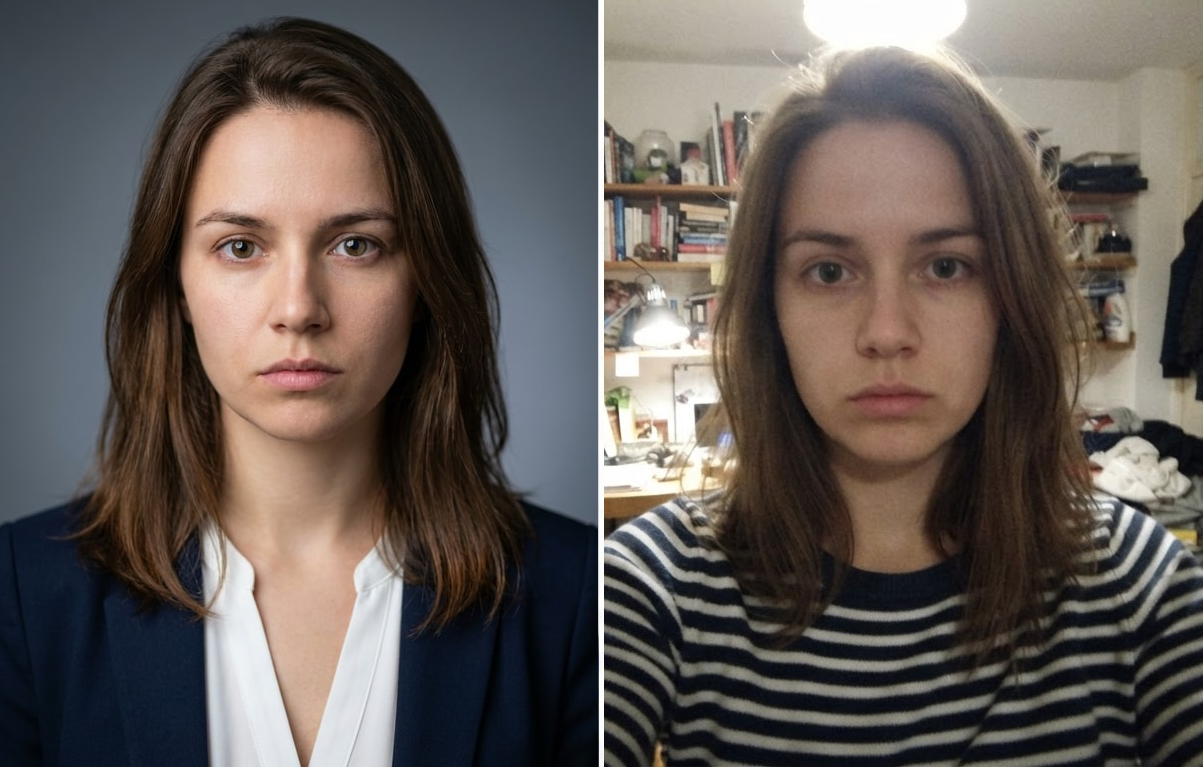
Think of it as a small, clean portrait, not a personal snapshot. Aim for:
- Head and shoulders: the face fills most of the frame, with a bit of space above the head
- A plain background: white, light gray, or a soft neutral. Nothing busy behind you
- Natural light on your face: from a window, in front of you, not behind
- A relaxed, friendly expression: a slight smile reads as approachable
- Work-appropriate clothing: whatever you'd wear to the interview
Skip the group photo cropped down, the holiday selfie, and anything with filters. Your CV photo should still look like you in person, not a heavily edited version. If you want a few tips on lighting and posture first, How to Take a Better ID Photo: A Few Simple Tips covers the basics.
Where to place the photo and how big to make it
The usual spot is the top corner of the first page, next to your name and contact details. Top right is the most common choice, and a CV template with photo built in will already have the space marked out.
For size, keep it small. Roughly a passport-style thumbnail (a few centimeters wide) works well. If the photo takes up so much room that it pushes your experience down the page, shrink it.
Two quick checks:
- Crop to a clean rectangle or square so edges look tidy
- Keep the same resolution as your other images, so it stays sharp when you zoom in
Adding the photo to your CV file
If you're using a word processor or a CV template with photo:
- Insert the image into the placeholder, don't just paste it on top
- Crop and resize inside the app so the face is centered
- Export to PDF and open the PDF to confirm the photo didn't shift
- Keep the file size reasonable, since many application portals have upload limits
Submitting through an applicant tracking system? A few of these tools ignore or strip images, so make sure your CV reads well even if the photo disappears. Your name, contact details, and experience should all be in plain text, not baked into the image.
Attaching a printed photo to a paper CV
If you're handing over a paper CV:
- Write your name on the back of the photo first, in case it comes loose
- Use a thin layer of glue stick or double-sided tape
- Line up the edges before pressing down
- Avoid staples, which leave holes in the photo
Common mistakes
- ❌ Using a photo with a messy background (an unmade bed or a cluttered desk behind you)
- ❌ Heavy filters or smoothing that make you look different at the interview
- ❌ A photo that's far too large for the page
- ❌ A low-resolution picture that looks blurry once printed or zoomed
- ❌ An old photo that no longer looks like you
No time for a photo shoot?
If you only have a few everyday pictures, Portraify can turn them into a clean, high-resolution portrait suited to a CV or profile, ready in minutes instead of waiting on a studio booking. You get a digital file you can drop into your template or print. Try it yourself and see how it looks on your CV.
FAQ
-
Should I put a photo on my CV?
Only if it's expected where you're applying. Check the job posting or the company's career page first.
-
What size should a photo in a CV be?
Small, about the size of a passport-style thumbnail. It shouldn't crowd out your experience.
-
Where does the photo go?
Usually the top corner of the first page, most often the top right, next to your name.
-
Can I use a selfie?
Only if it looks like a proper portrait: good light, plain background, head and shoulders, nothing cropped awkwardly.
The takeaway
A photo on a CV works best when it's simple: head and shoulders, plain background, a natural expression, and small enough to leave room for your experience. Check what the employer expects, add the photo cleanly, and let the rest of the CV do the talking.